spotcubexa maps every camera block, lighting area and sound position before a single cable is run, so your Course A spotlight session stays organised from load-in to final take.
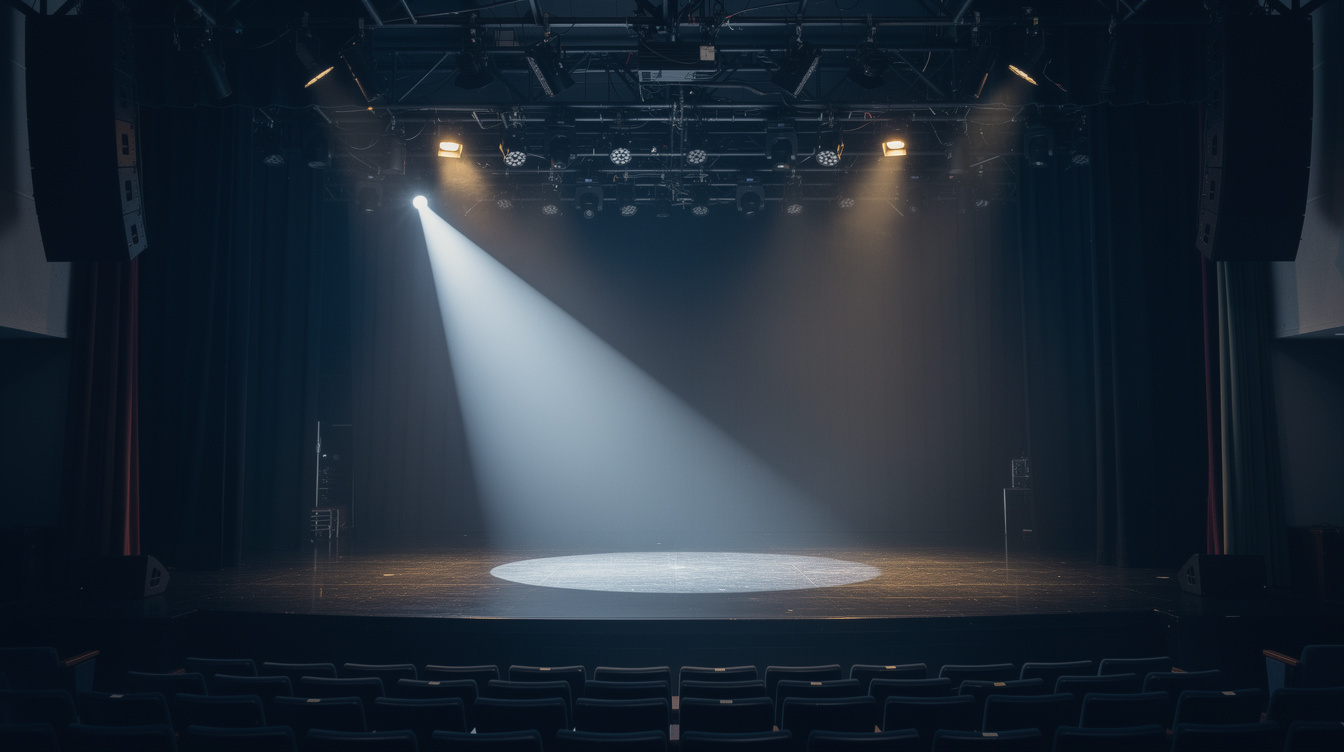
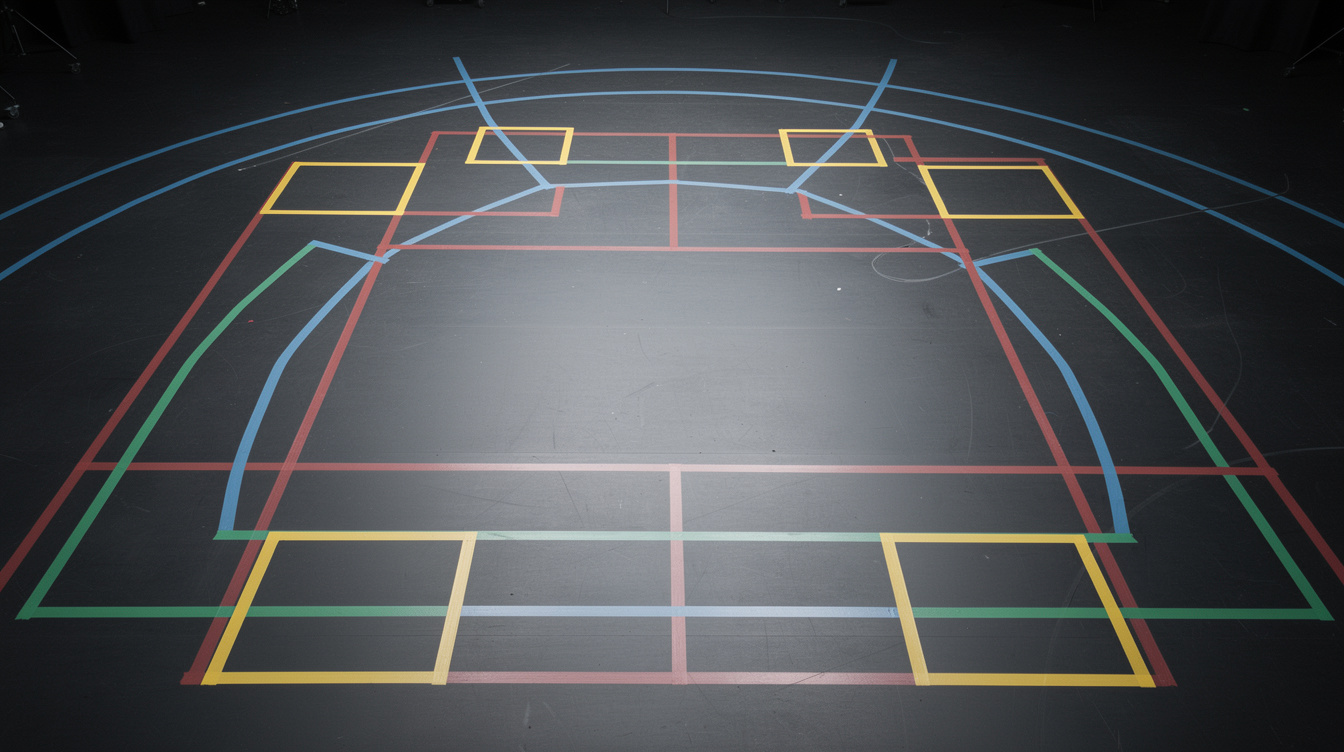
With a shared floor plan and zone checklist, your crew moves through load-in, rehearsal and recording without stepping on each other's setup.
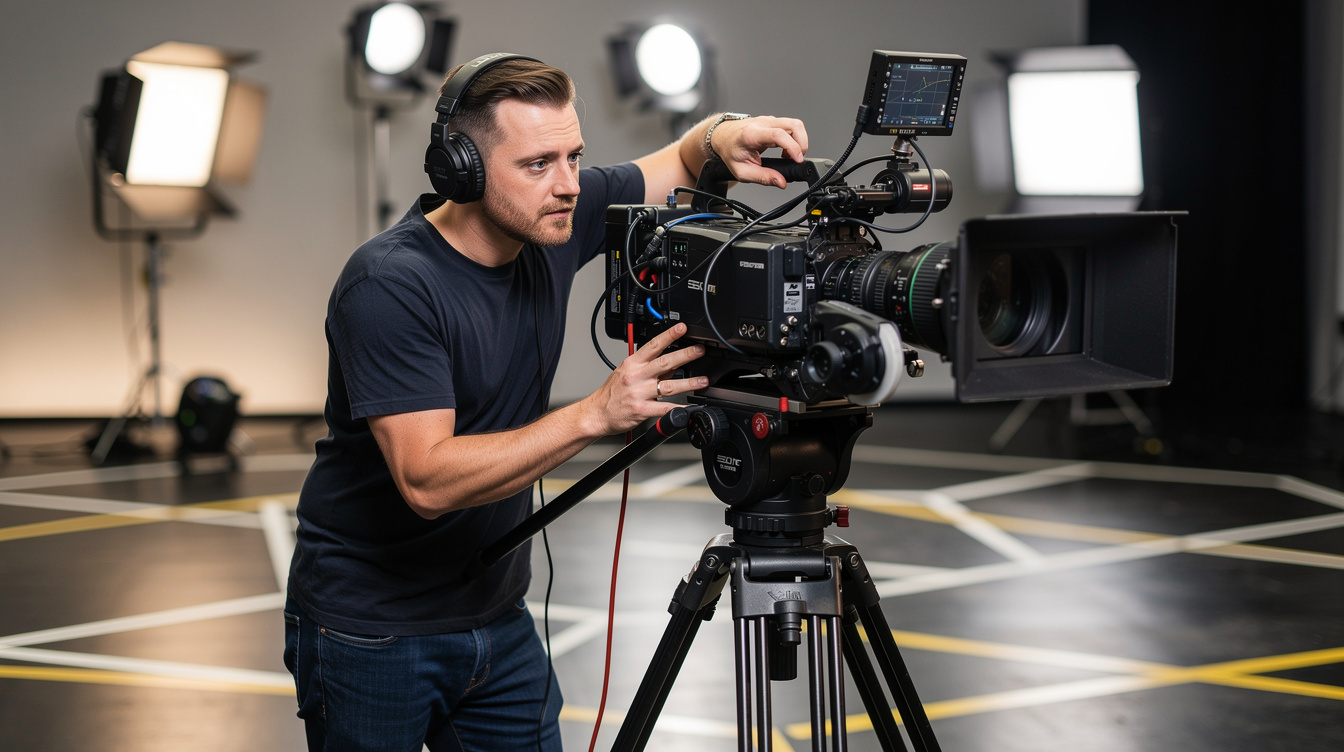
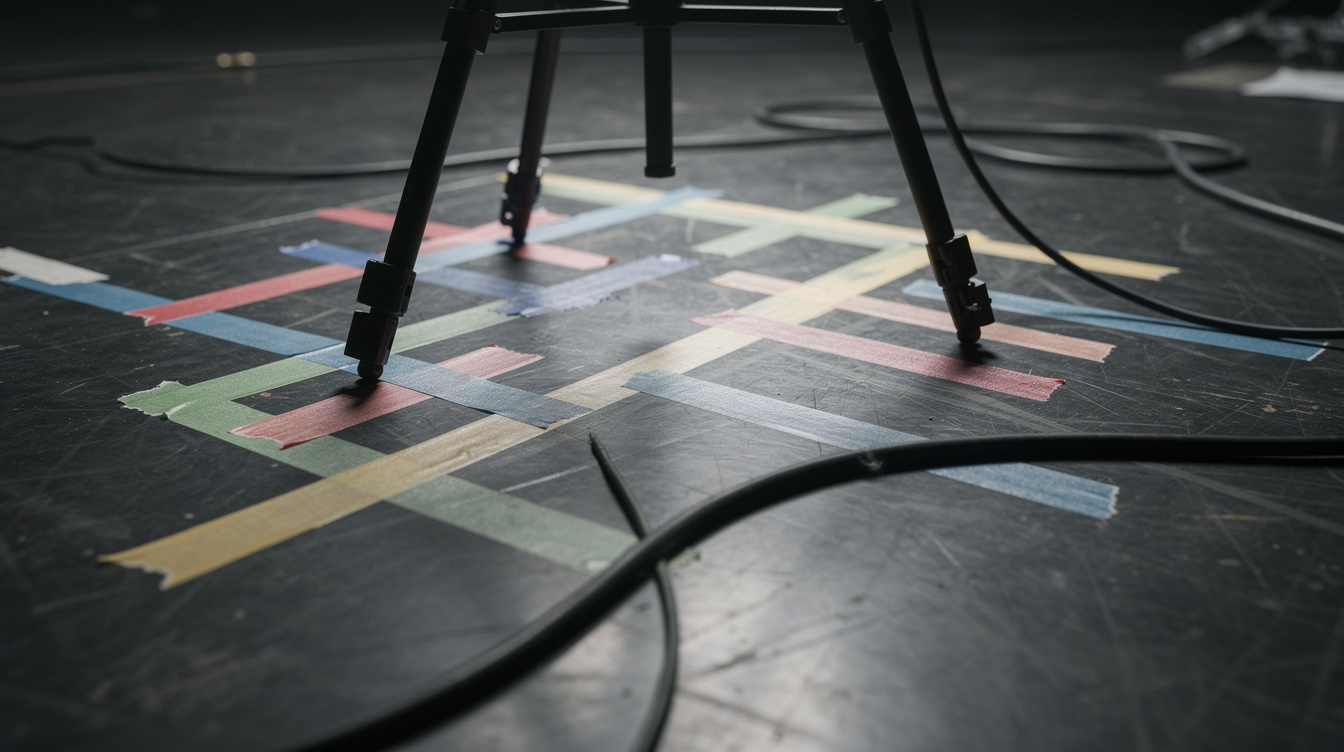
Tripod positions and lens heights are marked on the floor and matched to the shot list before anyone touches a camera.
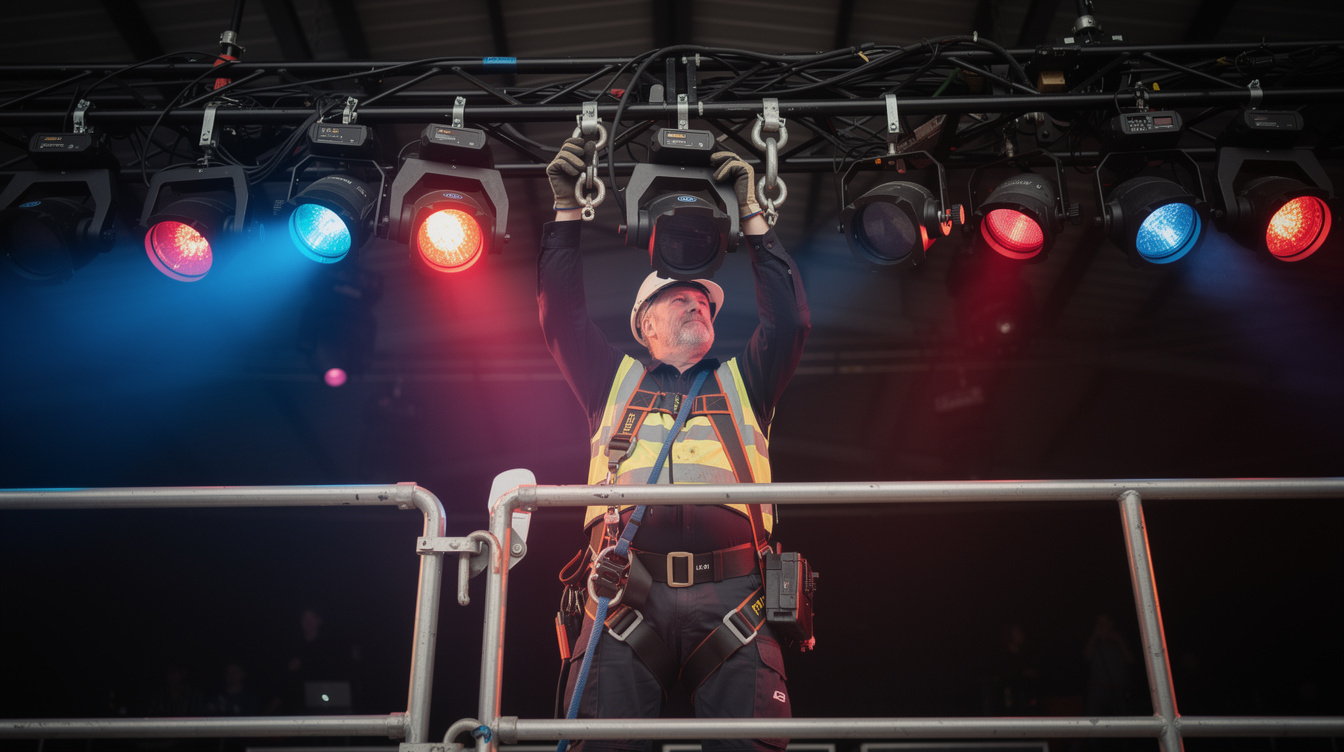
Key, fill and back light fixtures are focused and logged per zone, so every position keeps a consistent look.
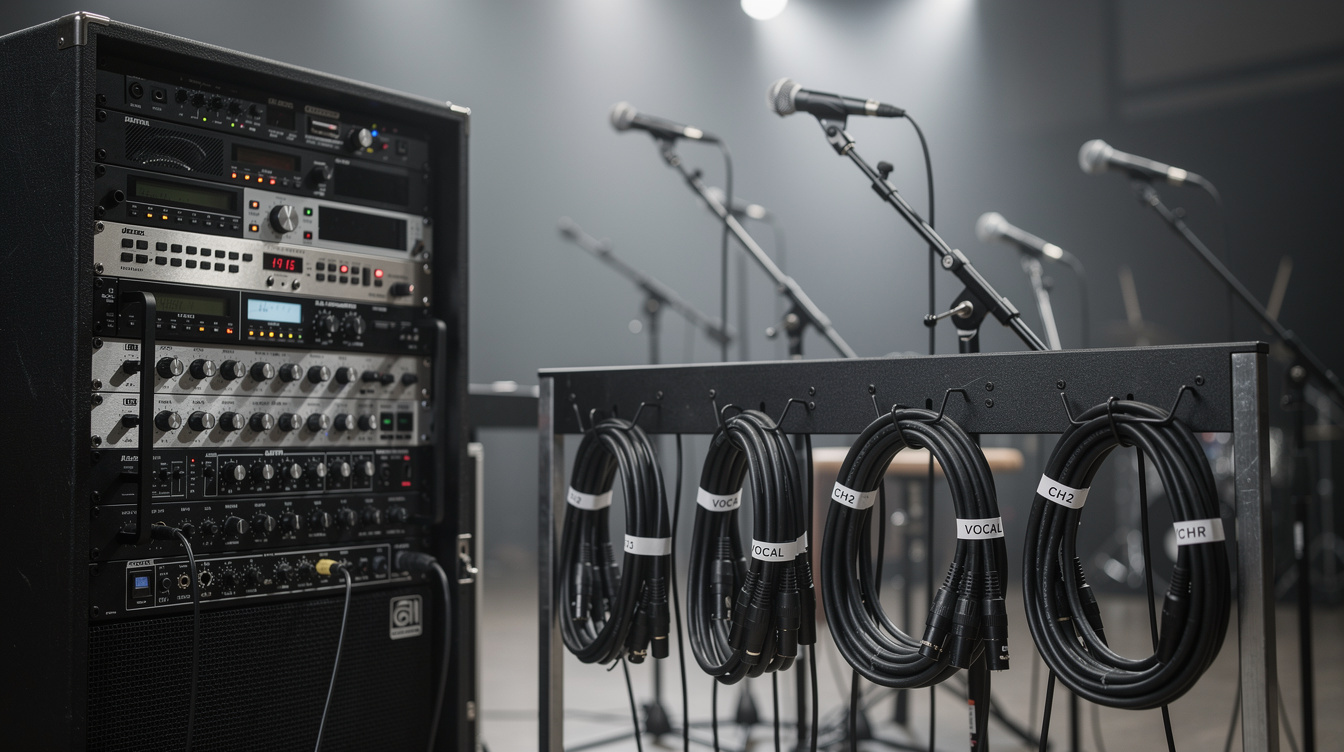
Microphone positions, cable runs and backup recording paths are checked at each station before roll call.
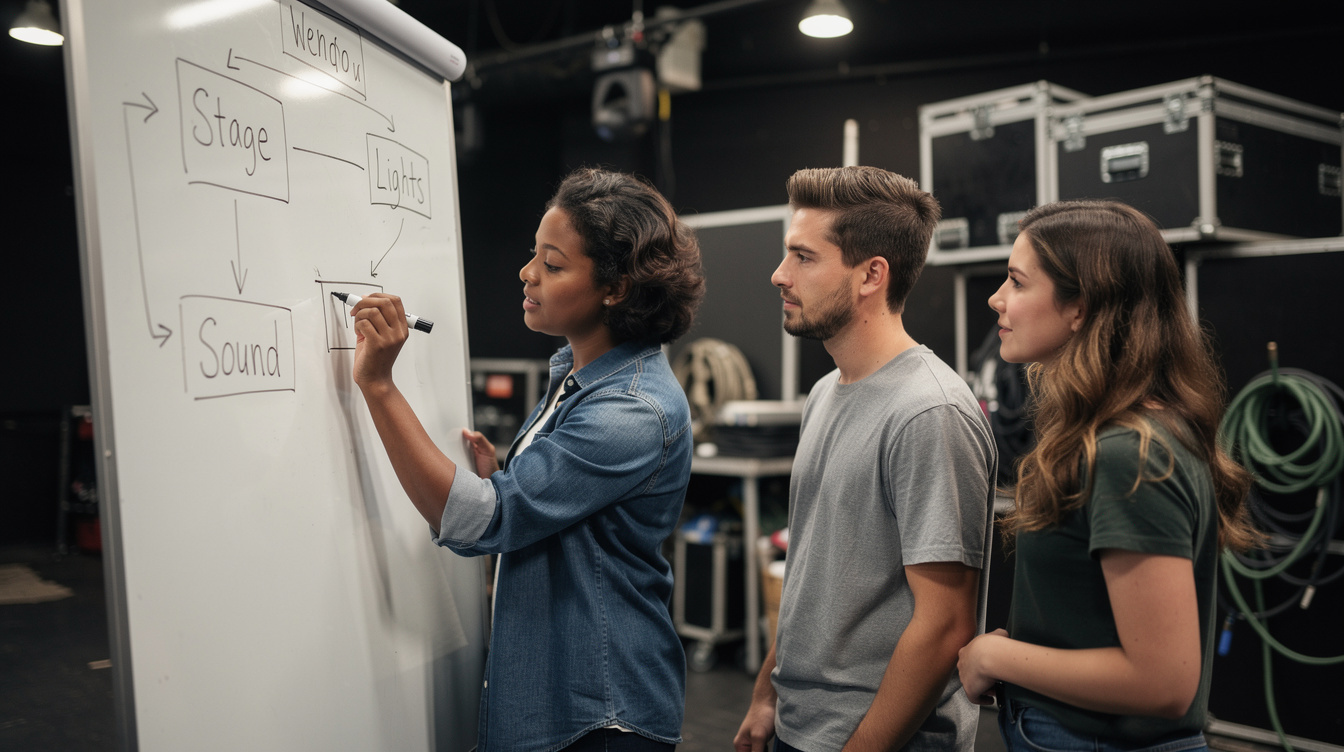
A shared shot order and stand-by sequence keeps every zone lead working from the same production plan.
Learn how to mark a single spotlight zone so it reads clearly on camera, stays clear of lighting spill, and gives your presenter a consistent mark to hit every take.
Explore the Module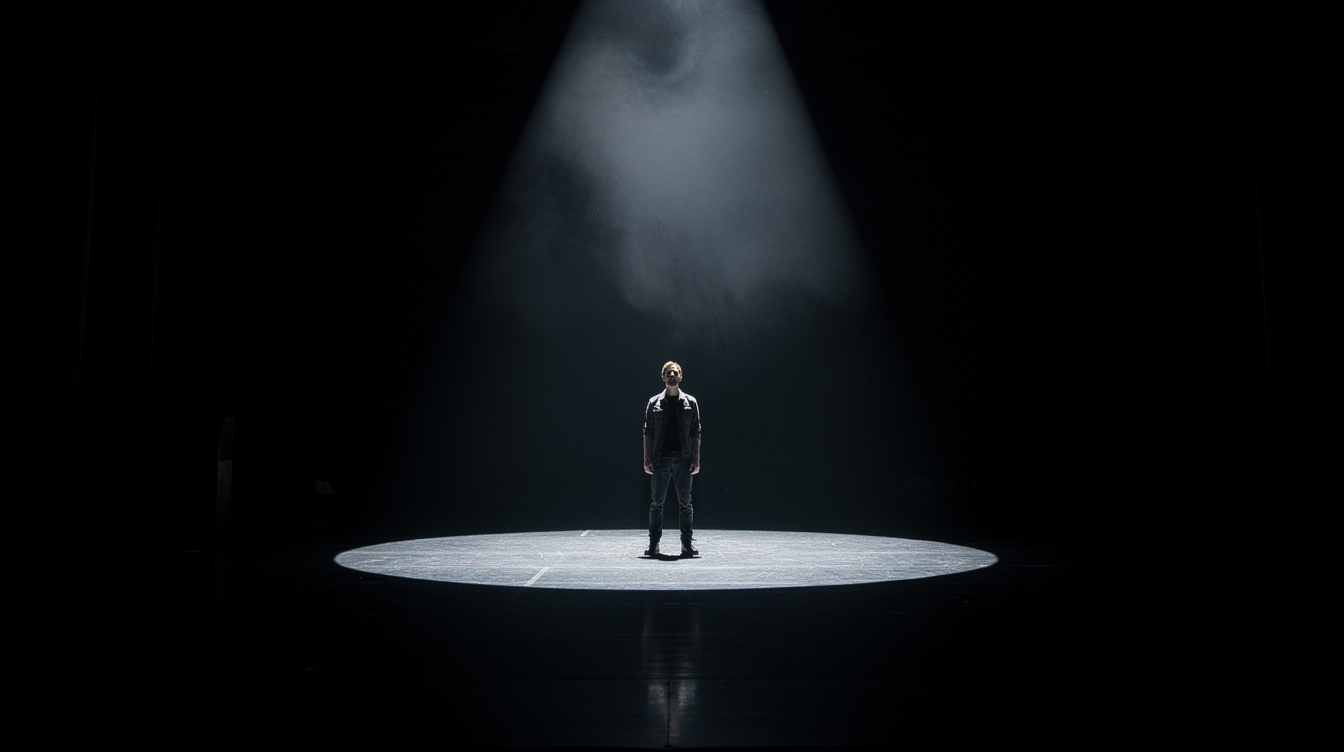
Every package includes zone templates for camera, lighting and sound, plus a workflow checklist tailored to your crew size.
A single-camera setup guide for smaller Course A sessions.
Full multi-zone coverage for a standard spotlight production day.
End-to-end zone planning and on-site walkthrough for larger crews.
Each session is staffed by leads who specialise in a single zone, so nothing gets missed between camera, lighting and sound.
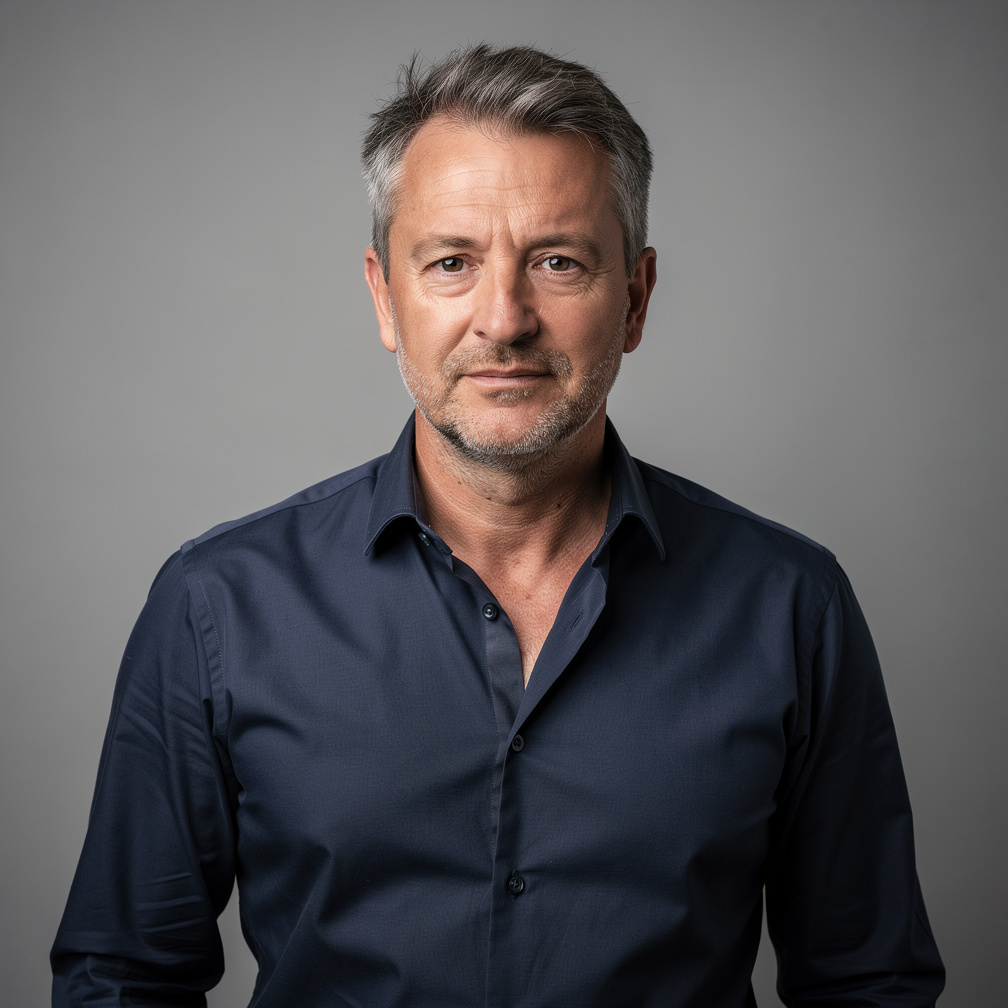
Production Director

Lighting Lead

Camera Lead

Sound Lead
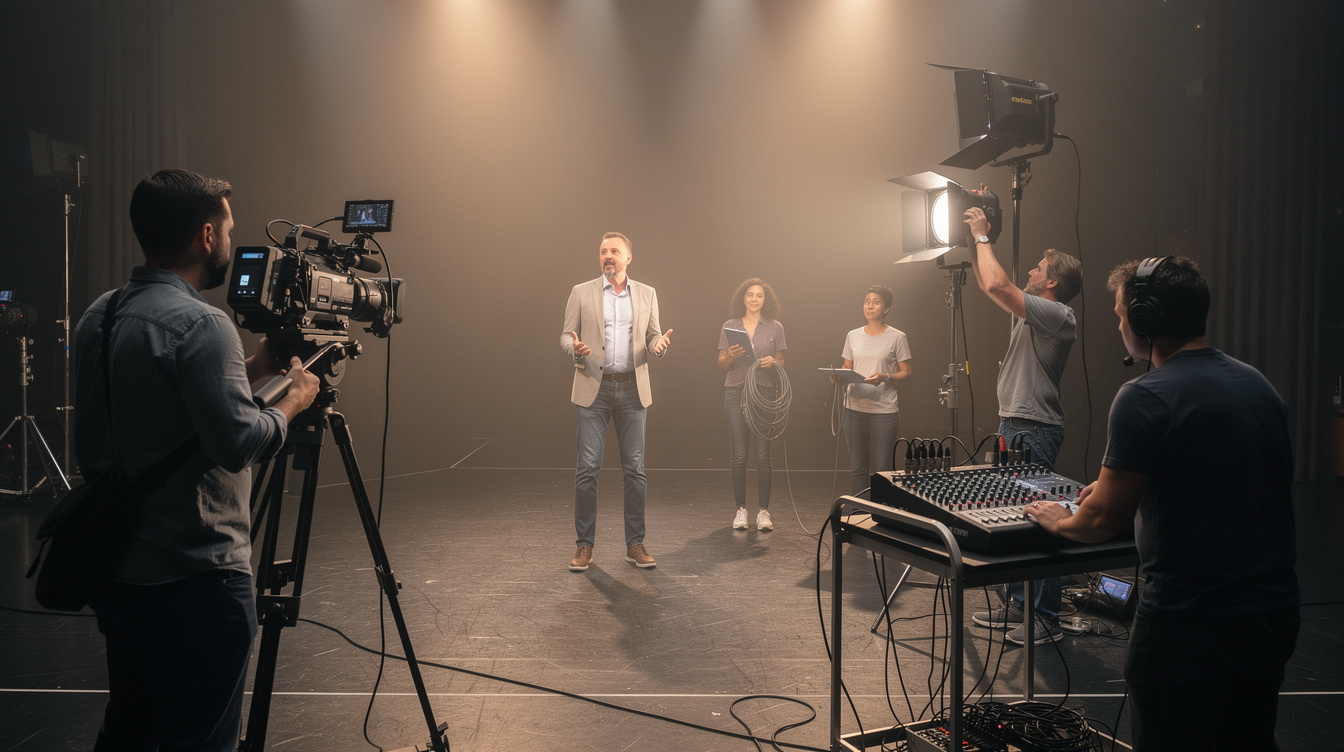
A look at how camera, lighting, sound and workflow zones come together on set for a Course A spotlight session.
Tell us about your Course A spotlight session and we will help you map every camera block, lighting area and sound position before you arrive on set.
Talk to spotcubexa